原系統安裝流程
- 到 \\192.168.0.132\Share\專案\00_很久很久以前\豐榮\GAS安裝 將以上四個檔案COPY到本機的「C:\Windows」底下
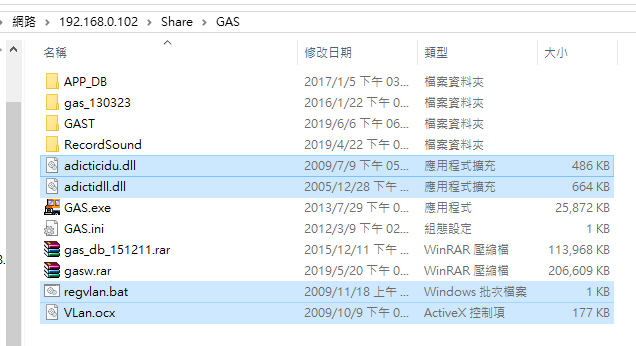
- 取得 VLan.ocx 檔案 COPY 到C:\Windows\SysWOW64 底下
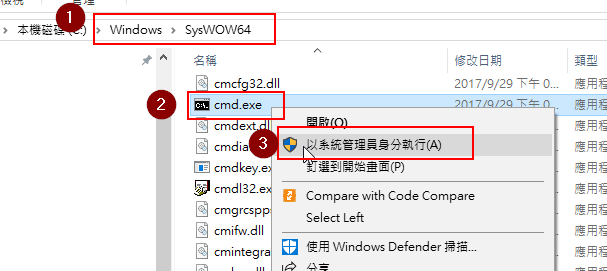
- 以管理员身份运行“C:\Windows\SysWOW64”文件夹下的“cmd.exe”;
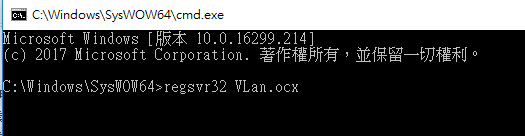
- 執行 regsvr32 VLan.ocx 即可註冊成功。
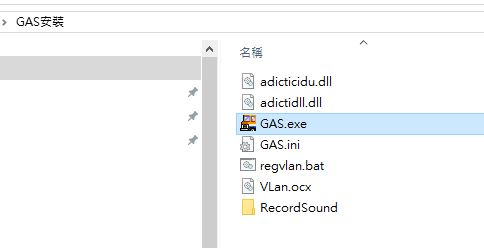
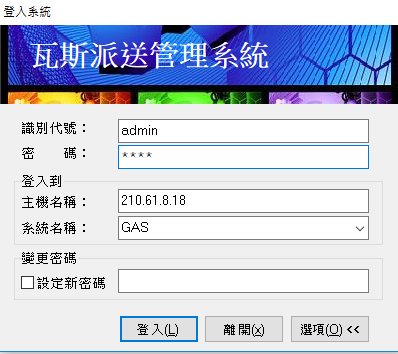
- 執行抓到本機的GAS.exe
啟動登入頁如下:
Created with the Personal Edition of HelpNDoc: Create help files for the Qt Help Framework